

QR code and NFC inspections without login
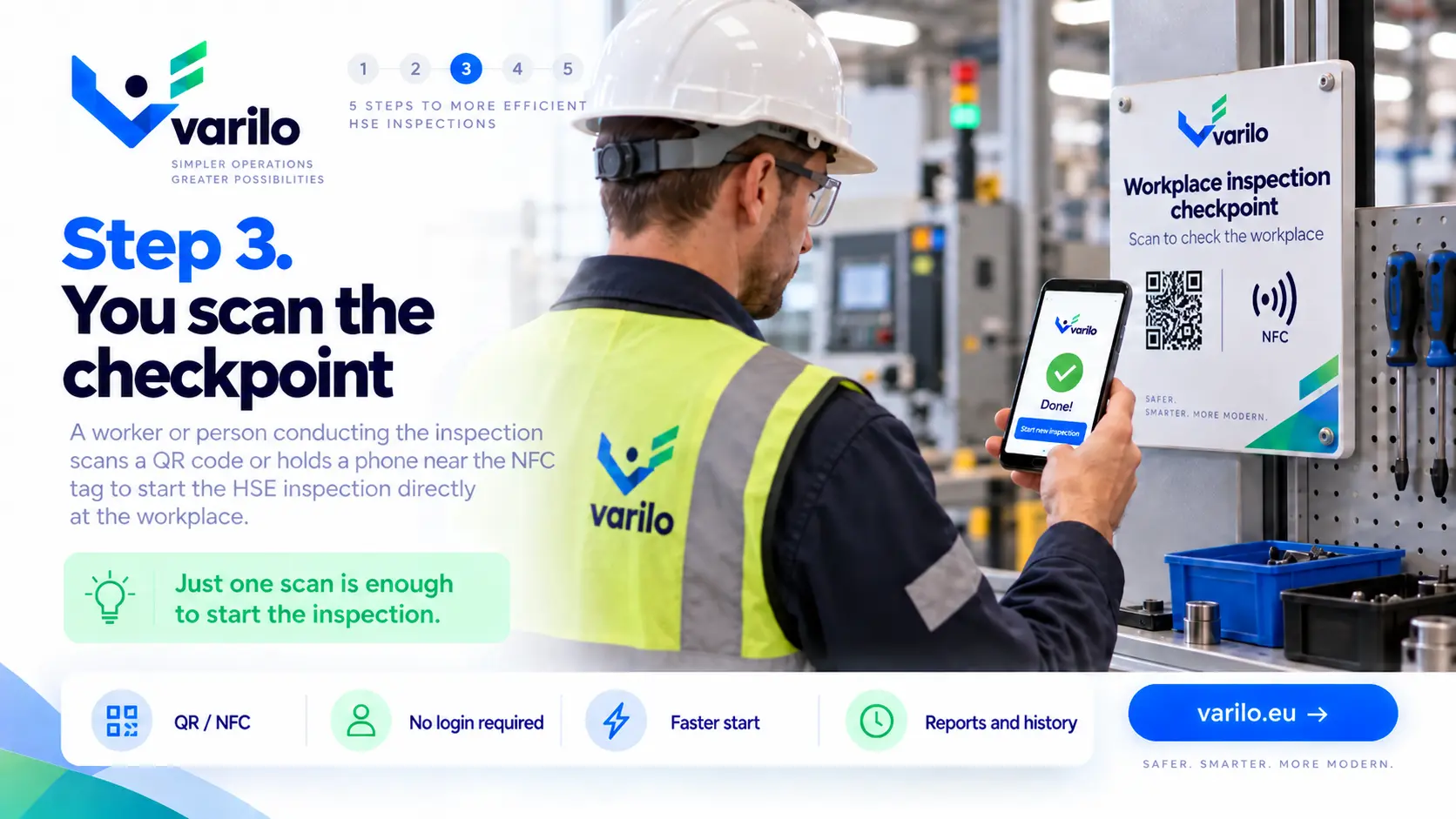
A QR code or NFC tag at the workstation opens the assigned safety inspection on a phone without an account.
Learn more about this featureVarilo helps you organise and digitise safety inspections. Create checklists, share them with workers via QR or NFC and collect the results in one place. No account and no login are needed — a scan is enough to start.
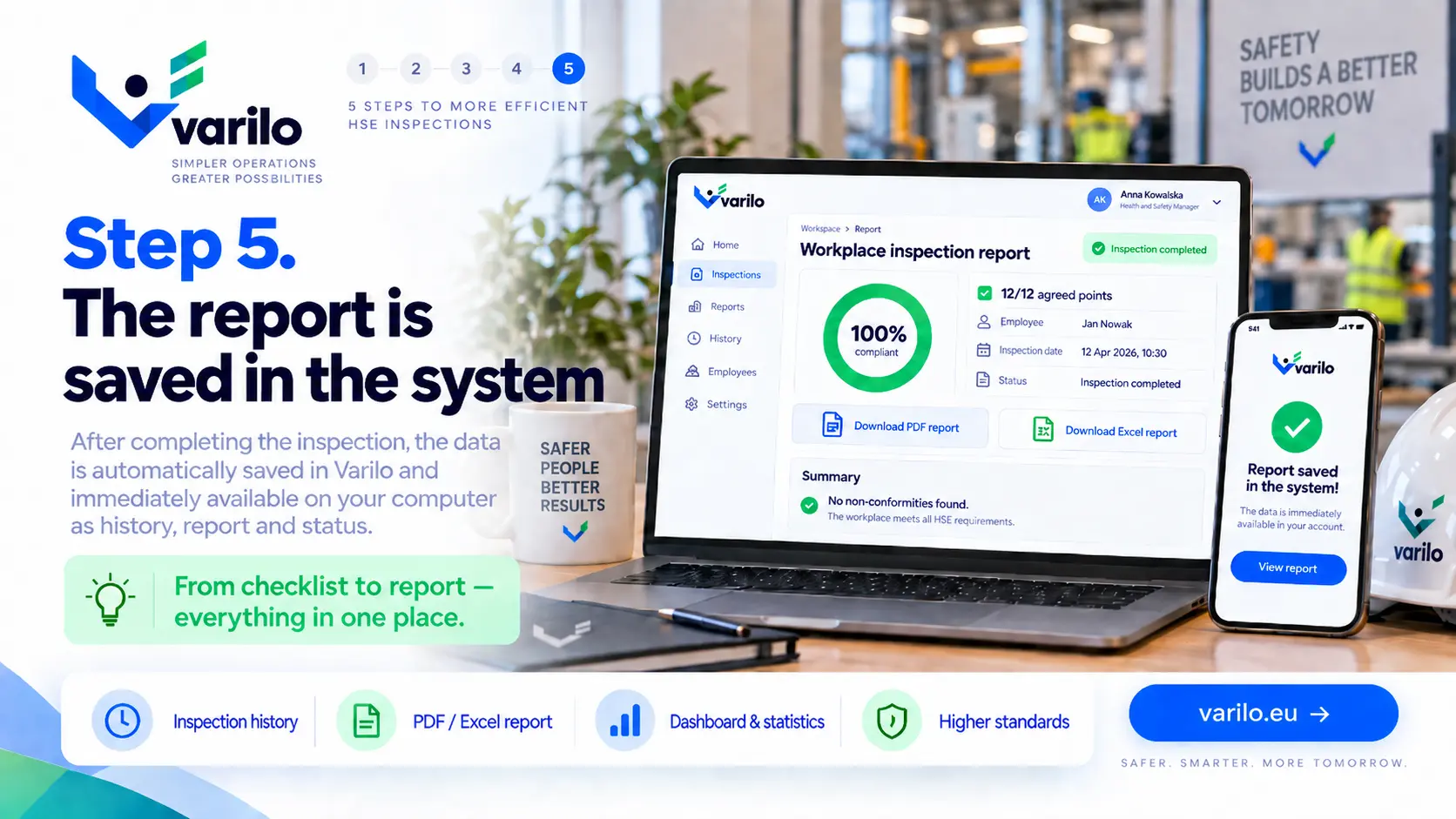
Results, inspection history, findings, reports and statistics are all available in Varilo.

Safety inspections are often carried out on paper checklists, spreadsheets or forms stored in several different places.
The problem appears when you need to quickly confirm that an inspection was done, find its result or analyse recurring issues.
Varilo moves the whole process into one system — from completing the inspection to reporting on it later.
Place a QR code or NFC tag at a machine, a zone entrance, a scaffold or any other inspected point.
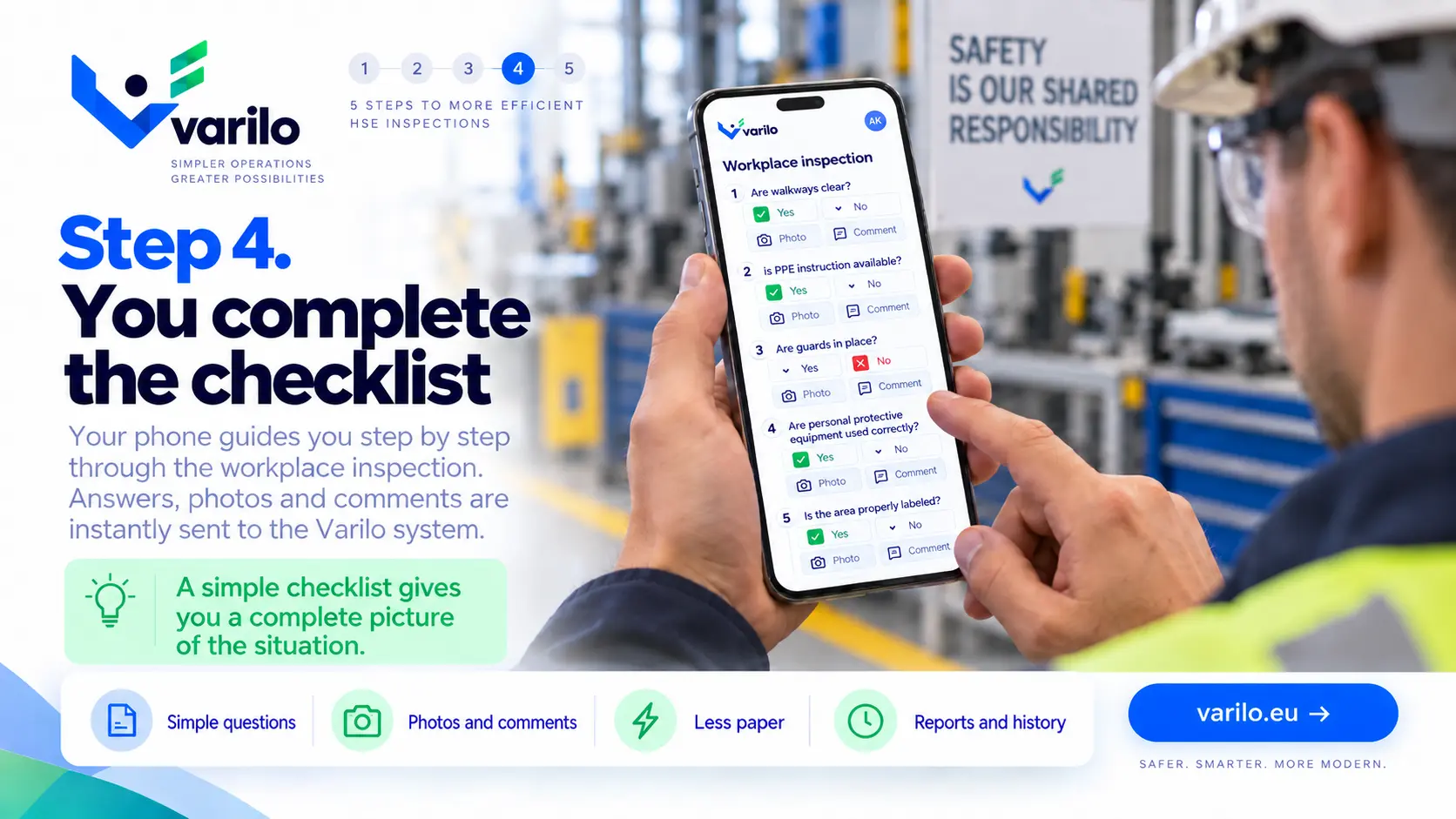
The worker scans it with a phone and immediately gets the right checklist.
No searching for a form. No login. No re-typing results.
A digital health & safety checklist replaces paper reports from walkthroughs and audits. Every answer has a date, time and author, and each non-conformity goes into the corrective action log with a photo, where it stays visible until it is resolved.
This is how a single safety inspection runs in Varilo.
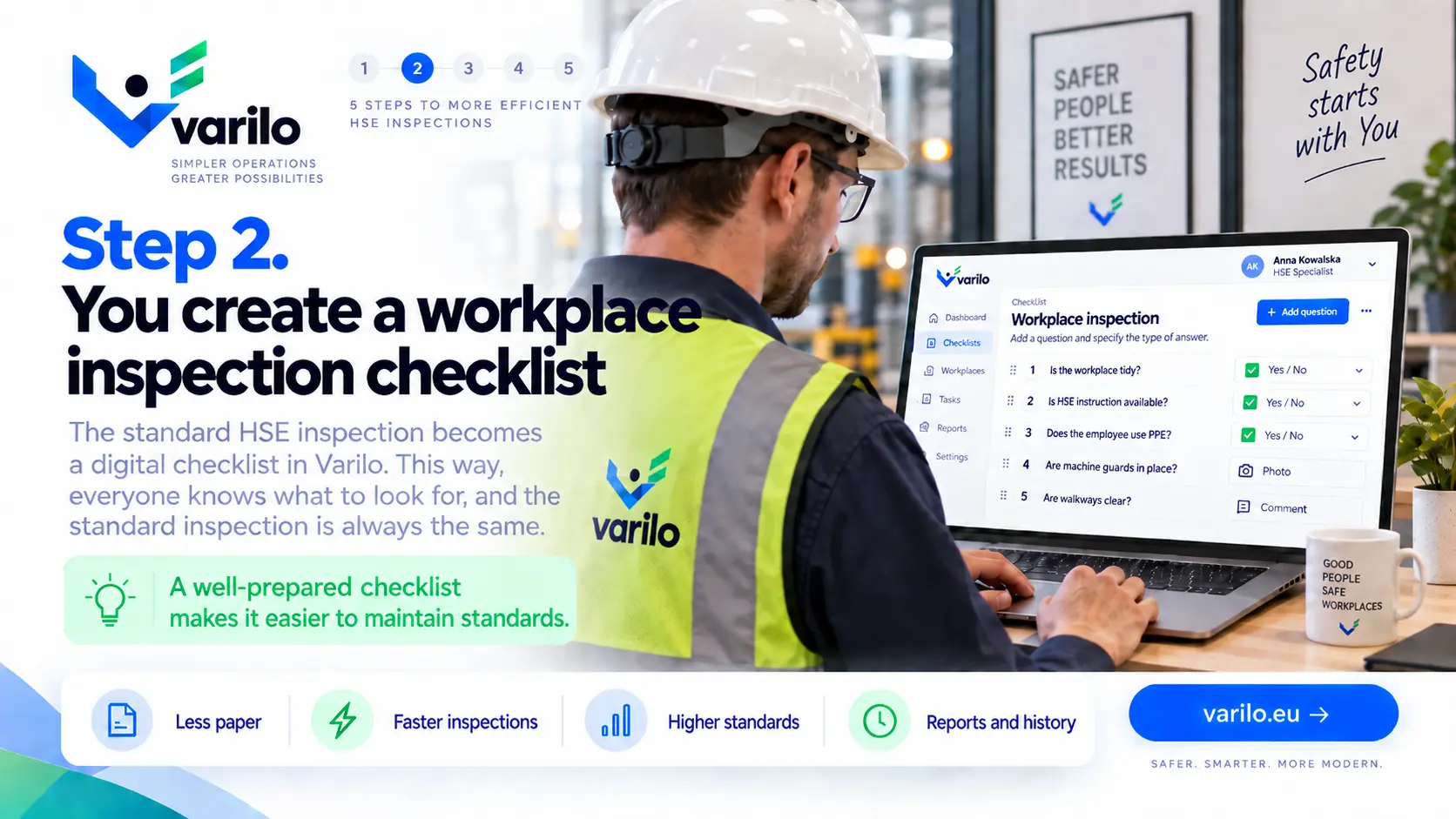
Build a checklist matched to the workstation, equipment, zone or type of work.
Place the code on a scaffold, machine, notice board or at the entrance to the inspected area.
A phone scan is enough. The inspection starts without an account and without logging in.
Results land in Varilo together with history, findings and statistics for the area.
Examples of inspections you can run on digital checklists.
Create and edit checklists that match your own processes.
Launch the right checklist directly at the inspected place or piece of equipment.
Workers do not need their own account to complete a shared inspection.
Document issues found during an inspection and keep their history.
Keep inspection results in one place instead of binders and scattered files.
See how many inspections were done, their results and recurring issues.
Varilo links the safety checklist to the inspection location and corrective actions. Employees get the right questions at the workstation, and the safety officer sees the result without retyping forms.
A QR code or NFC tag at the workstation opens the assigned safety inspection on a phone without an account.
Learn more about this featureThe report keeps answers, photos and non-conformities, and IF → THEN rules can create a corrective action with a deadline and owner.
Learn more about this featureDuring a safety walk you assign questions to each zone and get one combined report for the whole route.
Learn more about this featureVarilo lets you look at inspections not only one by one, but as a source of information about the organisation. Reports and statistics make it easier to see:
Ready-made inspection templates you can start from.
Basic safety inspection on a construction site: site organisation, work at height, protective measures and personal protective equipment.
13 check points
View checklistChecking first aid kits and stations: completeness, expiry dates, signage, access and instructions.
10 check points
View checklist